

Free
Free
No card needed
- Unlimited chatting (fair use)
- Every feature, including connected apps, browsing and research
- Up to 3 background jobs at a time
- Unlimited one-off reminders
- 10 minutes of phone calls a week
- Memory that never expires
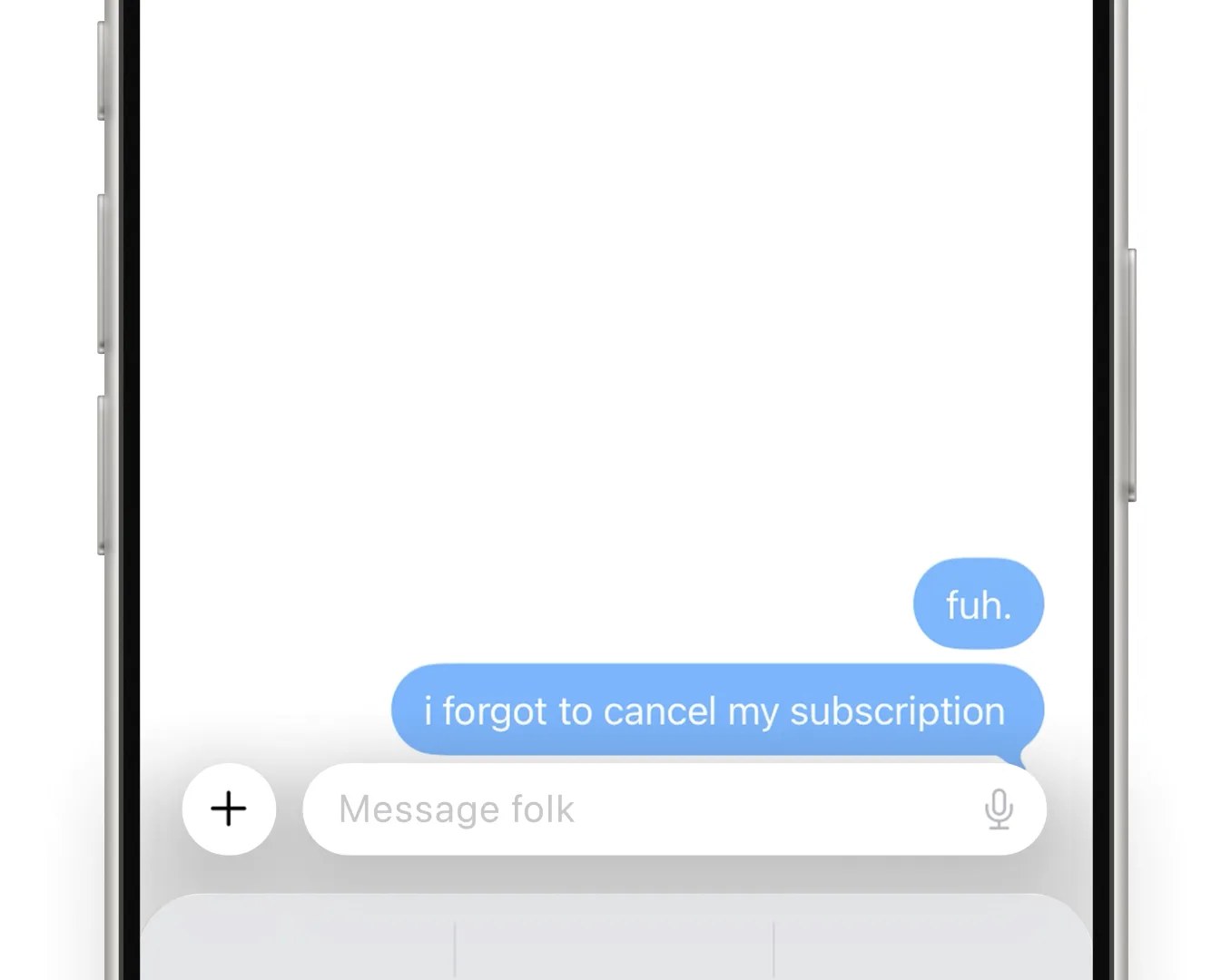
folk is a contact in your messaging app
AI assistant you text on iMessage, Telegram or WhatsApp that checks in on habits, money and plans
folk has a free plan and a 7-day free trial (card needed). Prices in US dollars as folk's pricing page showed them on 11 October 2026.
Vouchernaut may earn commission when you sign up through links on this page. It never changes what we say about a product or the order we list them in.
This is folk, an AI friend from Nozomio Labs that lives in your texts on iMessage, Telegram and WhatsApp. It checks in on habits, studying and money, texts you first, and remembers what you tell it.
folk is a contact on iMessage, a Telegram bot or a WhatsApp chat, with WhatsApp rolling out by region. There is no separate app to install, and it works the same on iPhone and Android.
Tell folk a goal and a time and it texts you, asks for proof and keeps a streak, from gym days to study sprints. You set the tone from gentle to relentless and can pause it.
Send a photo of a meal and folk estimates calories and protein and logs them against your target. It can also see Strava workouts once connected.
Link a bank through Plaid in read-only mode, including UK banks, and folk can answer spending questions, list repeating charges and flag ones that look doubled or recently raised. It cannot move money.
One-tap connections include Gmail, Google Calendar, Drive, Outlook, Notion, Slack and Todoist, with more than 1,000 apps and any MCP tool beyond that. folk can draft emails for your approval, watch flight prices and find restaurant tables.
folk keeps a memory of your preferences and routines that grows over time. You can read, edit or delete memories in the dashboard, and the maker says it never trains models on your data.
folk can call you and you can call it, including wake-up calls to your own verified number. Free includes 10 minutes a week and Pro 120 minutes a month.
Works with
Free
No card needed
$9.99a month
$99.99 billed yearly; about $5 a month in some countries
$100a month
Listed in the site footer; features not described on the pricing page
Prices in US dollars. Regional pricing (about $5 a month for Pro in many countries) and student pricing are applied automatically at checkout. The 7-day trial applies to new Pro subscriptions and needs a card. VAT is not mentioned. Prices in US dollars, from folk's pricing page on 11 October 2026. folk may charge VAT on top, and prices can change.
folk is an AI assistant you talk to like any other contact, so there is no app to learn. The team behind it says most AI makes you log in and write prompts, and it wanted something that meets you where you already chat. It works in iMessage and Telegram, with WhatsApp switching on country by country, and you can add it to a group chat to help make plans. The website is for managing your plan, connected apps and what it remembers.
The point is that folk texts you first. It can keep a streak, nudge you before a gym session, run study sprints, estimate what is on your plate from a photo, watch prices and flights, and search your email or calendar when you connect them. It can also call you, browse the web and run tasks in the background while you sleep. It is not a therapist, and says so.
There is a free plan with every feature, a limit on daily chats and a cap on background jobs running at once. The paid Pro plan adds the smarter engine, more phone call time and as many background watchers as you like. Prices are shown in US dollars and you choose monthly or yearly billing. The company says regional and student pricing are applied automatically, so check what you are shown at checkout.
The free plan has no time limit and no card, so it is the cheapest way to find out whether folk suits you. If you do upgrade, the yearly plan works out cheaper than paying monthly, and any live code is listed on this page. folk also has an invite scheme that pays cash when friends subscribe.
folk asks for a lot of access, so read what it promises. The company says it never sells your messages or uses them for training AI models, that it only sees chats with it, and that you can view, delete or wipe what it remembers from your dashboard. Bank connections are described as read-only.
It fits students and anyone who wants a friendly nudge by text for habits, revision and everyday admin. If your problem is work scheduling or heavy team workflows, a business tool will suit you better.

AI scheduling assistant you copy into email, SMS or iMessage to book meetings and manage your Google Calendar

An AI assistant in Slack, Gmail and iMessage that records meetings, sends daily briefs, drafts replies and runs scheduled tasks
 Free plan
An AI assistant that remembers what is on your screen, takes meeting notes and answers questions about your past work
One subscription to 100+ AI models with side-by-side answers, plus image, video, website and slide tools
We don't currently list a confirmed discount code. That doesn't mean the store has no promotions; check its website for current prices.
No. You text it on iMessage or Telegram, and on WhatsApp where it has launched. The website is only for your plan, connected apps and what folk remembers.
Yes, there is a free plan with every feature, no card needed. It limits daily chats and how many background jobs run at once; Pro lifts the background limit.
The company says it never sells your data or trains models on your chats, and that bank links are read-only. Connecting email and a bank is your choice, so only connect what you are comfortable sharing.
Yes. You can read, edit and delete what it remembers from your dashboard, or wipe your whole account.
Go to settings, then billing, in your folk dashboard. You keep Pro until the end of the period you paid for, then drop back to the free plan.
Got a question about folk?