How much does Superhuman cost in the UK?
Superhuman Mail costs $25 a month per member on the Starter plan when billed annually, or $30 billed monthly. The Business plan is $33 a month per member annually or $40 monthly, and Enterprise is priced on request.
Prices are set in US dollars. Superhuman's suite pricing page shows local currency in some countries, but the Mail pricing page lists USD, and its terms say fees exclude taxes such as VAT, so UK buyers should expect VAT on top and a card conversion from dollars. Annual billing is shown as 17% off. Starter and Business are both capped at 25 seats; bigger teams go to Enterprise.
The Business plan is the same price whether you buy it as a Mail plan or as the Superhuman suite, and it includes Mail, Grammarly, Superhuman Docs (formerly Coda) and the Go assistant together.
Is there a free version of Superhuman?
Not for email. Superhuman's suite has a Free plan and a Pro plan ($12 a month annually, $15 monthly), but both cover Grammarly, Docs and Go only, without Superhuman Mail.
Mail starts with the paid Starter plan. Third-party deal sites have advertised free months through referral links, but Superhuman's own pricing pages list no free trial for Mail, so it is safer to assume billing starts on sign-up. Some Trustpilot reviewers say they paid for Pro expecting the email app and found it was only in Business.
Is Superhuman worth paying for?
For people who spend hours a day in Gmail or Outlook and like working from the keyboard, reviewers say yes. For light email users, the price is hard to justify when Gmail and Outlook are free.
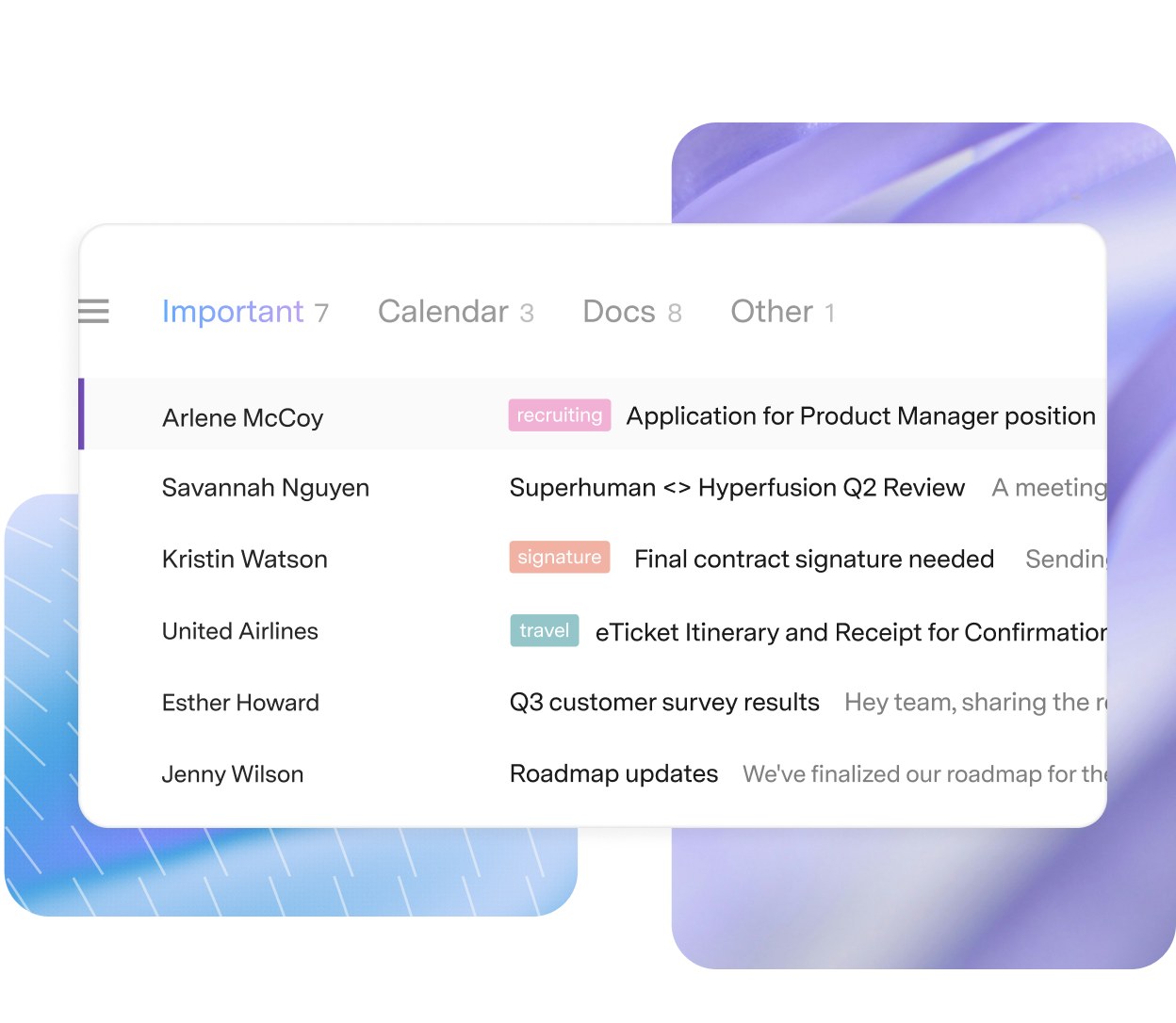
Reviewers on Product Hunt (4.8 from 91 reviews) and the UK App Store (4.5 from 346 ratings) most often praise speed, keyboard shortcuts and the Split Inbox that separates email from your team, VIPs and tools. Superhuman claims users save four hours a week. The AI features, such as Auto Labels, Auto Archive and reminders when someone hasn't replied, are on Starter, while Auto Drafts, Ask AI and CRM integrations need Business. Complaints centre on cost, on features moving to more expensive tiers, and on the lack of a unified inbox across accounts.
Superhuman vs Fyxer: which is better?
Superhuman replaces your email client; Fyxer works inside the Gmail or Outlook you already use. That is the main choice.
Superhuman gives you a new, faster app with its own shortcuts, calendar, read statuses and snippets, plus AI on top. Fyxer, a London company, sorts your existing inbox into labels, drafts replies in your tone and joins video calls to take notes, starting at $37 a month per person billed annually, with a free plan. Jace and Howie are other AI assistants that draft replies or handle scheduling over email. People who want speed and keyboard control tend to prefer Superhuman; people who don't want to change app lean towards Fyxer.
Is Superhuman safe to use with work email?
Superhuman lists SOC 2 Type 2 on every Mail plan, and Enterprise adds single sign-on, SCIM, audit logs and bring-your-own-key encryption.
Superhuman's plan table lets users opt out of AI model training, and its Go page says training is off by default for Business and Education users. It connects through your Google or Microsoft account, so admins of a company Microsoft 365 or Google Workspace tenant may need to approve it. Several Trustpilot reviewers complain that the app emailed their contacts or added promotional text to their signature, so it is worth checking invitation and signature settings after sign-up.
How do you get Superhuman cheaper?
Annual billing is the main saving: Starter drops from $30 to $25 a month and Business from $40 to $33, about 17% off.
- Starter is enough for most individuals, since it already has Split Inbox, AI triage, reminders and read statuses
- Business only makes sense if you need Auto Drafts, Ask AI or HubSpot, Salesforce and Pipedrive in the inbox, or want Grammarly and Docs as well
- Business costs the same as Mail Business alone, so anyone paying for Grammarly separately can fold it into one bill
- Cancelling keeps access until the end of the billing period, after which the account becomes a free one