

Games2 shops
Starlink: Battle for Atlas
- Prices checked 6 hours ago
Not ready to buy?
Watch it and we'll email you the morning after it drops, at whichever shop it is, in any edition or form, with a link to buy. We count a shop's fee where its feed gives it.
4 prices on Xbox
In stock first, then what you'd pay with any fee the shop's feed gives, then price. Commission never changes the order.
Key shops
Key shops sell keys bought from other markets or from other sellers, so check the region and the shop's refund terms.
 CJS CD KeysKey resellerLowest price hereIn stock · Checked 6 hours agoEU & UK · Key · Xbox One/Series X£7.15No checkout fees
2 more from this shop
- £7.15No checkout fees
- £14.33No checkout fees
 KinguinMarketplaceIn stock · Checked 6 hours agoEU · Key · XBOX OneKeys from other sellers on Kinguin£15.45£12.87 + the £2.58 fee its feed givesPlus fees at checkout
Prices, stock and regions as each shop listed them, checked 6 hours ago. Some shops pay us when you buy through these links; that never changes the order. How that works.
The price on Xbox over time
The lowest you'd pay at each, with the fee each shop's feed gives, among offers known to work on a UK account.
Key shops
- Now
- £7.15
- Lowest since 23 Oct
- £7.15
How to redeem it on Xbox
- On your Xbox, press the Xbox button and open Store.
- Press the View button and choose Redeem.
- Enter the 25-character code and follow the prompts.
Or in a browser: xbox.com/redeem
Xbox says a code has to match your Microsoft account's country or region, and that using a VPN to get round it can get a purchase reversed or the account restricted.
From Xbox's help pages, read 23 October 2026:
Regions, in the shops' words
- UK
- Sold for UK accounts: the one word that plainly meets PlayStation's and Xbox's rule that a code match your account's country.
- Europe, EU, EU & UK, EMEA
- Sold for Europe, and the shops' pages I checked say these activate on UK accounts. The platforms don't name the UK: Nintendo UK says to use a code meant for Europe, and PlayStation's terms ask for one from your account's country.
No platform defines these words: each is the shop's, so check the region on its page before you buy.
About the game
Starlink: Battle for Atlas is a 2018 action and adventure game from Ubisoft Toronto, published by Ubisoft. It has a single-player mode. PEGI 7.
Facts from Wikidata
- Modes
- Single-player
- Developer
- Ubisoft Toronto
- Publisher
- Ubisoft
- First released
- 2018
- PEGI rating
- PEGI 7What the ratings mean
Similar games
Games that share its categories.
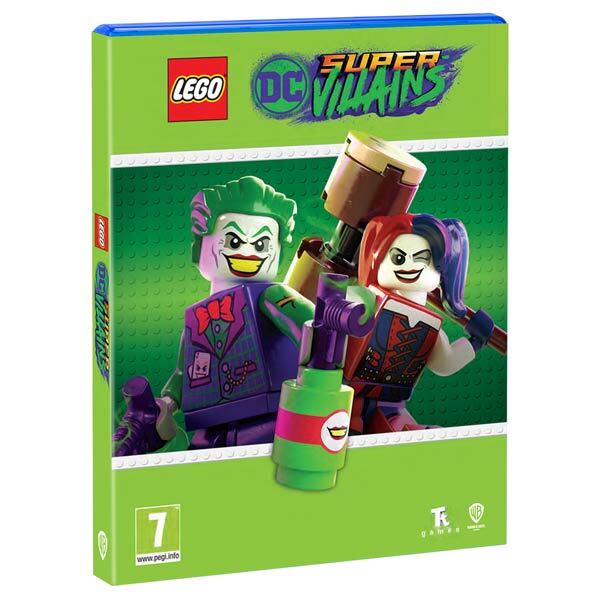 LEGO DC Super-VillainsSteam, Xbox, PlayStation, Nintendo£2.954 shops
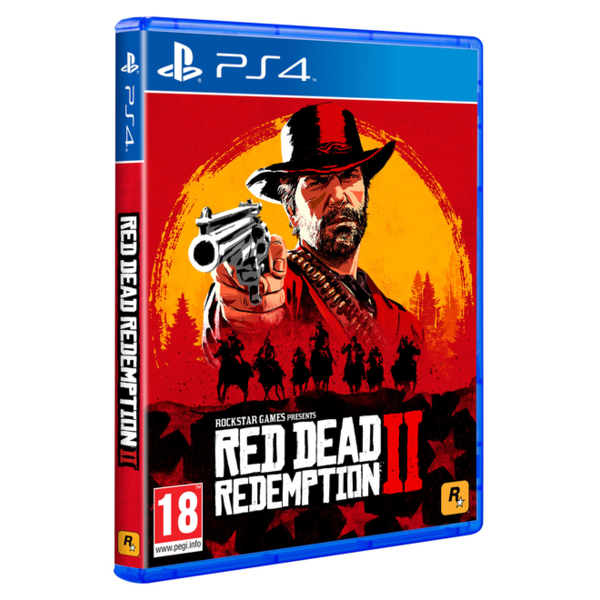 Red Dead Redemption 2Steam, Xbox, PlayStation, Epic Games, Rockstar£9.154 shops
 LEGO The IncrediblesSteam, Xbox, PlayStation, Nintendo£1.394 shops
 Adventure Time: Pirates of the EnchiridionSteam, Xbox£4.743 shops
 Detroit: Become HumanSteam, PlayStation, Epic Games£5.123 shops
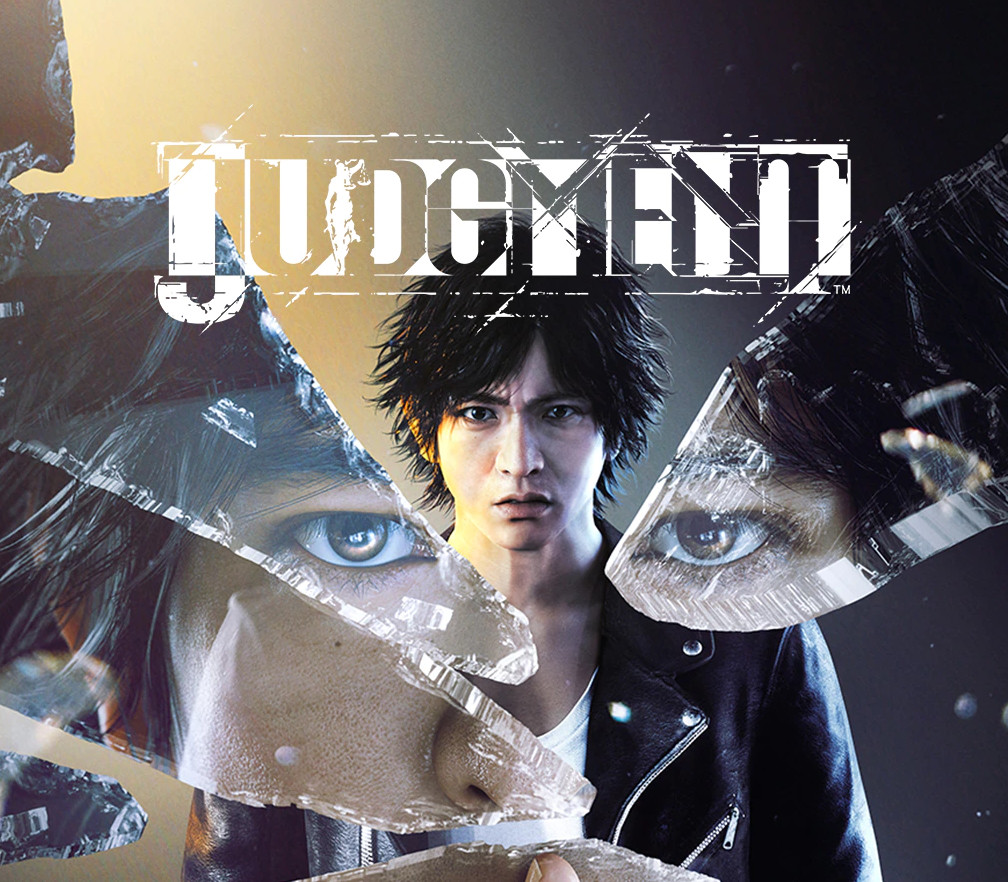 JudgmentSteam, Xbox, PlayStation£7.643 shops
Questions
How much is Starlink: Battle for Atlas?
On Xbox, from £7.15 at CJS CD Keys (key, no checkout fees); on Ubisoft Connect, from £6.66 at CJS CD Keys (key, no checkout fees). Prices checked 23 October 2026.
Can I buy Starlink: Battle for Atlas from an official store?
Not now at the official stores I check: only key shops have it in stock, and each row says which region its key is for.
Will a Starlink: Battle for Atlas key work on a UK account?
The prices I lead with are only from offers their shop says work on a UK account. Xbox says a code has to match your Microsoft account's country or region, and that using a VPN to get round it can get a purchase reversed or the account restricted. Ubisoft says some keys only work in some regions, and that a key bought from an unapproved seller can be banned; the shop handles a refund or a swap. Steam leaves region limits to each game's publisher. If a key won't activate, the shop you bought it from handles it: Steam doesn't refund keys bought elsewhere.
How do I redeem Starlink: Battle for Atlas?
Xbox codes are redeemed on your console or at xbox.com/redeem, and the game stays on your Microsoft account. Ubisoft Connect keys are activated in the Ubisoft Connect app, and the game stays on your Ubisoft account. A Steam key goes into the Steam app (Games, then Activate a Product on Steam) or Steam's website, and the game stays in your library.