How much does Wispr Flow cost in the UK?
Wispr Flow is free to start, and Pro costs $15 a month or $12 a month billed annually ($144 a year). The pricing page shows US dollars, but Wispr's help centre says checkout sets the currency by region, and the UK App Store lists Pro at £15 a month or £143.99 a year.
The plans break down like this:
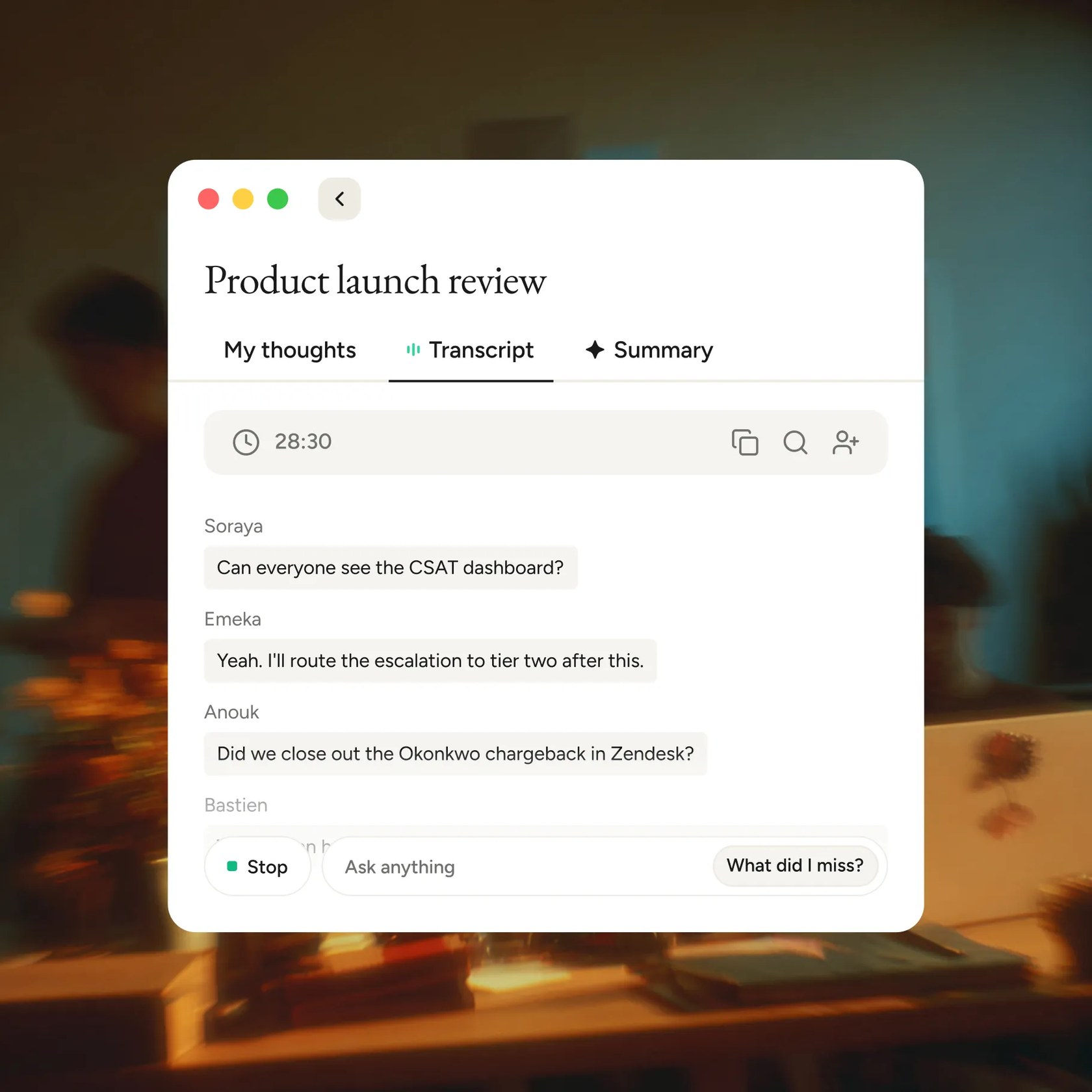
- Free: 2,000 words a week on desktop and 1,000 on mobile, plus limited Notetaker use
- Pro: unlimited dictation, longer Notetaker history, a shared team dictionary and priority support, at $15 per user a month or $12 billed annually
- Growth: single sign-on, HIPAA enforcement and admin tools for teams, at $23 per user a month or $18 billed annually, rising to $33 or $26 with unlimited Notetaker
- Enterprise: custom pricing on annual contracts, adding user provisioning, audit logs and managed deployment
Wispr says it is a US company and does not add VAT to the price shown at checkout, so the figure on screen is the amount charged. Businesses handle any VAT reporting themselves.
How do you get Wispr Flow cheaper?
Annual billing is the simplest saving: it cuts Pro from $15 to $12 a month, which Wispr labels a 20% discount. Students and educators get 50% off Pro, which the help centre puts at $7.50 a month or $72 a year, and the UK App Store lists the student plan at £7.49 a month or £72 a year.
Student status is recognised automatically from a listed university domain or an address containing .edu, and Wispr says selected student accounts on Mac, Windows and iPhone can claim an annual plan at $0 with no card. Wispr also takes discount requests from non-profits, educators, military personnel, senior citizens and people who need accessibility support, each with proof sent through support. Its Google Play listing puts the accessibility discount at 40%. A referral scheme gives both people a free month of Pro once the friend dictates 2,000 words or upgrades.
Is Wispr Flow worth paying for?
For anyone who regularly hits the free cap, yes: Pro removes the weekly word limit and includes the Notetaker at no extra cost. Light users may never need to pay, since the free allowance resets every Sunday.
Reviewers mostly praise the accuracy, the automatic punctuation and the way Flow strips out filler words and mid-sentence corrections, so messages need less editing. Several UK App Store reviewers with dyslexia or ADHD describe it as a big help. The main complaints are that the iPhone keyboard jumps to the Flow app to start dictating, and that reliability sometimes dips after updates, with reports of dropped words. Product Hunt reviewers also mention high CPU and memory use.
Wispr Flow vs Superwhisper vs VoiceOS: which is better?
Wispr Flow suits people who want the same dictation on every device, Android included. Superwhisper suits people who want transcription that works offline, and VoiceOS suits people who want a voice agent that carries out tasks.
Superwhisper runs local AI models that work without an internet connection, and its site lists apps for Mac, Windows, iOS and Android. It offers a free tier after a 3,000-word Pro trial, a Pro plan from about $8 a month, a yearly plan with two months free and a one-off lifetime licence, backed by a 30-day refund. Wispr Flow, by contrast, always transcribes in the cloud.
VoiceOS pairs dictation with an Agent Mode that can search the web, set reminders and connect to MCP servers. It runs on Mac and Windows only, with phone apps listed as coming soon, has no free plan and needs a card for its 7-day trial. Its Pro plan costs $11.99 a month billed annually, close to Wispr Flow Pro's $12.
Is Wispr Flow safe to use with work documents?
Wispr states it holds SOC 2 Type II and ISO 27001 certification and will sign a HIPAA business associate agreement on any plan, but every dictation is processed in the cloud, and its privacy policy says data is transferred to and processed in the United States.
Three settings are worth checking. Context Awareness, on by default, sends text near the cursor and other on-screen text with each dictation; Wispr recommends turning it off for legal, healthcare or regulated work. Improve the model for everyone is on by default for Free and Pro and can be switched off. Dictation cloud storage is a separate setting again. On Growth and Enterprise, admins can keep model training off for the whole organisation, and Enterprise adds audit logs and controls over storage and retention.